
 EN
EN
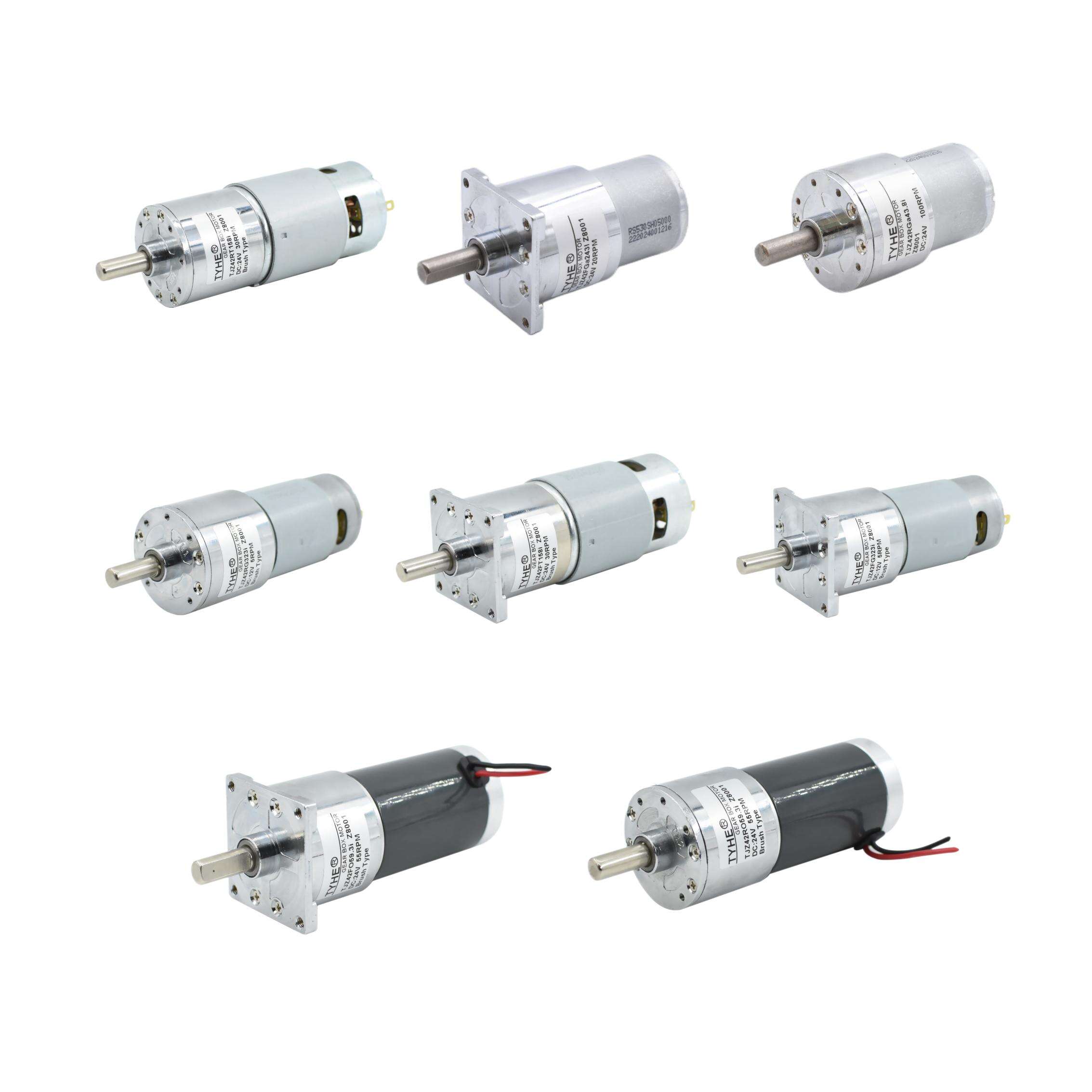
Replacing carbon brushes is one of the most common and essential maintenance tasks for anyone working with a brush dc motor. Carbon brushes are the components responsible for transferring electrical current between the stationary wiring and the rotating commutator, and over time they wear down through normal operation. When brushes become too short or uneven, the brush dc motor begins to lose efficiency, generate excessive heat, produce sparking, or fail entirely. Understanding how to replace them correctly is a fundamental skill for maintenance engineers, technicians, and equipment operators who rely on brush dc motor technology in their daily operations.
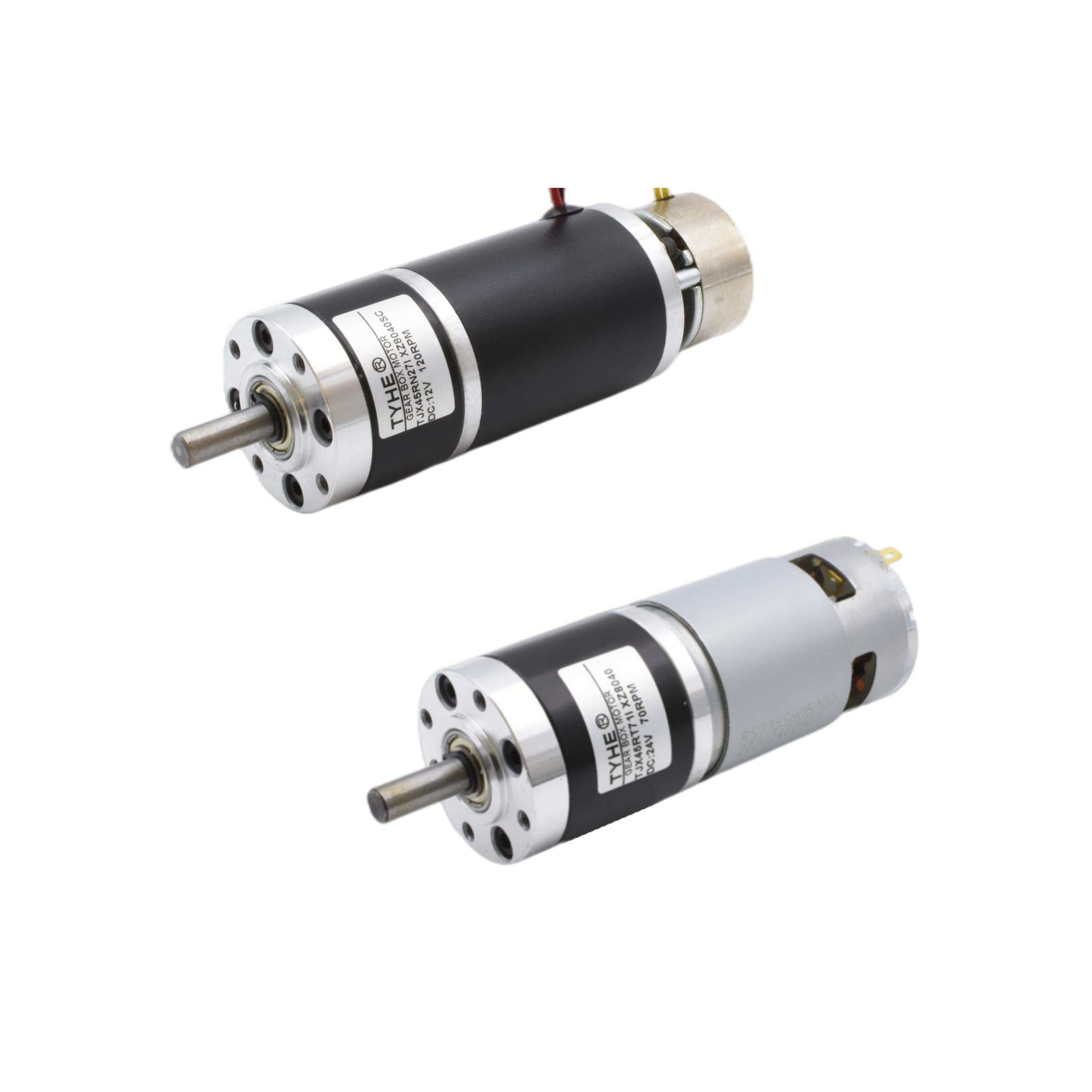
This guide walks through the complete process of replacing carbon brushes in a brush dc motor, from recognizing the signs of wear to seating new brushes correctly and verifying performance after reassembly. Whether you are maintaining industrial equipment, power tools, or motion control systems, following a structured replacement procedure ensures the brush dc motor returns to reliable, efficient operation without unnecessary downtime or damage to the commutator surface.
Understanding the Role of Carbon Brushes in a Brush DC Motor
How Carbon Brushes Function Inside the Motor
In a brush dc motor, carbon brushes sit inside brush holders and press against the commutator, which is a segmented copper cylinder mounted on the rotor shaft. As the rotor spins, the brushes slide along the commutator surface, maintaining continuous electrical contact. This contact allows current to flow into the rotor windings in a precisely timed sequence, which is what produces the rotational torque that drives the load.
The carbon material used in brushes is chosen because it is electrically conductive, self-lubricating, and soft enough to wear preferentially rather than damaging the harder copper commutator. Different brush dc motor applications use different brush grades, with varying hardness, conductivity, and lubrication properties depending on the operating voltage, current load, and speed requirements of the motor.
Because brushes are a consumable component, they are designed to be replaced periodically. A well-maintained brush dc motor with timely brush replacements can operate reliably for many years, while neglected brushes can cause commutator scoring, winding damage, and costly motor failure.
Signs That Carbon Brushes Need Replacement
The most obvious sign that a brush dc motor needs new brushes is visible sparking at the commutator area during operation. Some minor sparking is normal, but excessive or irregular sparking indicates that the brushes are no longer making consistent contact. This can be caused by worn-down brush length, uneven wear, or brush breakage.
Other indicators include increased motor noise, reduced torque output, overheating, and intermittent operation. In some brush dc motor designs, a brush wear indicator or spring-loaded mechanism will signal when the brush has reached its minimum usable length. If your motor lacks such an indicator, periodic visual inspection is the most reliable method.
A general rule of thumb is to inspect brushes every few hundred operating hours and replace them when they have worn down to approximately one-third of their original length, or when the brush surface shows chipping, cracking, or uneven contact faces. Catching wear early protects the commutator and extends the overall service life of the brush dc motor.
Preparing for the Carbon Brush Replacement Procedure
Safety Precautions Before Starting
Before performing any maintenance on a brush dc motor, the motor must be completely de-energized. Disconnect the motor from its power source and follow your facility's lockout/tagout procedures to ensure the circuit cannot be re-energized while work is in progress. Even a small brush dc motor can store residual charge in associated capacitors or drive electronics, so allow adequate discharge time before opening the motor housing.
Allow the motor to cool if it has been running recently. Carbon dust from worn brushes can be an irritant, so wearing safety glasses and a dust mask is advisable when opening the brush access area. Have a clean, well-lit workspace ready, and use a non-conductive surface to lay out components as you remove them.
Document the brush orientation, spring tension direction, and lead wire routing before disassembly. Taking photographs with a phone or camera is a practical way to capture this information, especially if you are working on an unfamiliar brush dc motor model for the first time.
Gathering the Correct Replacement Brushes and Tools
Using the correct replacement brush grade is critical. Consult the brush dc motor manufacturer's documentation or the existing brush markings to identify the correct brush specification. Using an incorrect grade can accelerate commutator wear, cause excessive heat, or reduce motor efficiency even if the physical dimensions appear to match.
The tools typically needed for brush replacement include a flat-head screwdriver, needle-nose pliers, a brush seating stone or fine sandpaper, a soft brush or compressed air for cleaning, and a multimeter for post-replacement verification. Some brush dc motor designs use brush caps or retaining clips that require specific tools, so review the motor's service manual before beginning.
Ensure the replacement brushes match the original dimensions in length, width, and thickness. Even small dimensional differences can affect how the brush seats in the holder and how evenly it contacts the commutator, which directly impacts brush dc motor performance and brush longevity.
Step-by-Step Process for Replacing Carbon Brushes
Removing the Worn Carbon Brushes
Access to the brushes in a brush dc motor is typically through brush inspection caps located on the motor end cap or housing. Unscrew or unclip these caps carefully. Inside, you will find the brush holder assembly, which contains the brush, a spring that applies pressure to keep the brush in contact with the commutator, and a lead wire or pigtail that connects the brush to the motor's electrical circuit.
Lift the spring away from the brush using needle-nose pliers or a small screwdriver, being careful not to let it snap back and damage the commutator surface. Slide the worn brush out of the holder. Note the direction of the angled or curved face on the brush, as the new brush must be oriented the same way to match the commutator's rotation direction.
Disconnect the lead wire from the brush terminal. In some brush dc motor designs, the lead wire is attached with a screw terminal; in others, it may be crimped or soldered. Handle the lead wire gently to avoid damaging the connection point, and keep track of which brush position each lead wire belongs to if the motor has multiple brush sets.
Inspecting the Commutator Before Installing New Brushes
With the brushes removed, take the opportunity to inspect the commutator surface. A healthy commutator should have a smooth, even, dark brown patina called the 'film' or 'glaze,' which is a natural byproduct of brush contact and actually helps reduce friction and wear. Deep grooves, scoring, copper smearing, or blackened segments are signs of commutator damage that should be addressed before installing new brushes.
Light surface contamination or minor roughness can be cleaned using a lint-free cloth lightly dampened with an appropriate electrical contact cleaner. For more significant roughness, a commutator stone or fine-grit sandpaper can be used to lightly dress the surface while rotating the shaft by hand. Avoid using abrasive materials that are too coarse, as this can remove too much copper and shorten commutator life.
Also inspect the mica insulation between commutator segments. If the mica is raised above the copper surface, it can cause brush bounce and arcing. Undercutting the mica is a more advanced procedure, but it is worth noting if the brush dc motor has been experiencing persistent sparking issues that simple brush replacement has not resolved.
Installing and Seating the New Carbon Brushes
Insert the new brush into the brush holder with the curved or angled contact face oriented correctly to match the commutator's rotation direction. Reconnect the lead wire to the brush terminal, ensuring a secure and clean connection. Reposition the spring so it applies firm, even pressure on the back of the brush, pressing it against the commutator surface.
New brushes have a flat contact face that does not yet conform to the curved commutator surface. Running a brush dc motor with improperly seated brushes causes arcing and accelerated wear. To seat the brushes correctly, use a brush seating stone or wrap fine sandpaper around the commutator and rotate the shaft by hand while the brushes are in contact. This process grinds the brush face to match the commutator's curvature, maximizing contact area from the start.
After seating, blow out any carbon dust from the brush area using compressed air or a soft brush. Reinstall the brush inspection caps securely. The brush dc motor is now mechanically ready for the run-in period, during which the brushes will fully conform to the commutator under light load conditions.
Post-Replacement Verification and Run-In Procedure
Electrical Checks Before Restarting the Motor
Before reconnecting power, use a multimeter to verify continuity through the brush circuit. Place the probes on the motor's power terminals and check that resistance is within the expected range for the brush dc motor's winding specification. An open circuit reading suggests a loose lead wire connection or a brush that is not making contact with the commutator.
Also check that no carbon dust or debris has fallen onto other internal components during the replacement process. Carbon dust is conductive and can cause tracking or short circuits if it accumulates on insulated surfaces. A thorough cleaning of the brush area before closing the motor is a simple step that prevents future electrical faults.
Verify that all brush caps, covers, and fasteners are properly reinstalled and tightened. A loose brush cap can vibrate during operation, affecting brush pressure and potentially allowing contaminants to enter the brush dc motor housing.
Running In the New Brushes Correctly
The run-in period is an important step that is often overlooked. After installing new brushes, the brush dc motor should be operated at reduced load, typically around 25 to 50 percent of rated load, for a period of one to several hours depending on the motor size and brush grade. This allows the brush faces to fully conform to the commutator surface under real operating conditions.
During the run-in period, monitor the motor for unusual sparking, noise, or heat. Some minor sparking is expected as the brushes seat, but it should diminish progressively as contact area increases. If sparking remains heavy or the brush dc motor runs hotter than normal after the run-in period, re-inspect the brush seating, spring pressure, and commutator condition.
After the run-in period, gradually increase the load to normal operating levels and confirm that the brush dc motor performs within its rated specifications. Document the replacement date and brush type in the motor's maintenance log to support future service intervals and troubleshooting.
FAQ
How often should carbon brushes be replaced in a brush dc motor?
Replacement frequency depends on the motor's operating speed, load, duty cycle, and brush grade. As a general guideline, inspect brushes every 500 to 1000 operating hours and replace them when they have worn to approximately one-third of their original length. High-speed or high-current brush dc motor applications may require more frequent inspection.
Can I use any carbon brush grade as a replacement?
No. Using the wrong brush grade can damage the commutator, increase heat generation, and reduce motor efficiency. Always use the brush grade specified by the brush dc motor manufacturer. The grade is usually marked on the brush itself or listed in the motor's service documentation.
What causes carbon brushes to wear out faster than expected?
Accelerated brush wear in a brush dc motor is commonly caused by excessive spring pressure, a rough or damaged commutator surface, incorrect brush grade, high ambient temperature, contamination from oil or moisture, or operating the motor beyond its rated current. Identifying and correcting the root cause is essential before installing new brushes, otherwise the replacement brushes will wear out prematurely as well.
Is it necessary to replace all brushes at the same time?
It is strongly recommended to replace all brushes simultaneously, even if only one appears worn. Mixing old and new brushes in the same brush dc motor creates uneven current distribution across the commutator, which can cause uneven wear, increased sparking, and reduced motor performance. Replacing the full set ensures balanced contact and consistent operation.
